
One email address, one password, and separate billing for each organization
If you work with more than one company in Hey Customer, you don't need a separate login for each one. Your email address is your account, and that one account can belong to as many organizations as you need — each with its own team, its own customer records, and its own bill.
An organization is a self-contained workspace. Its accounts, contacts, tickets, opportunities, reports and settings belong to it alone, and nothing crosses from one organization into another. A consultant working with three clients sees three separate worlds, and the people in each one only ever see their own.
What travels with you is your identity. Your email address is your account across the whole of Hey Customer, so you have one password no matter how many organizations you belong to.
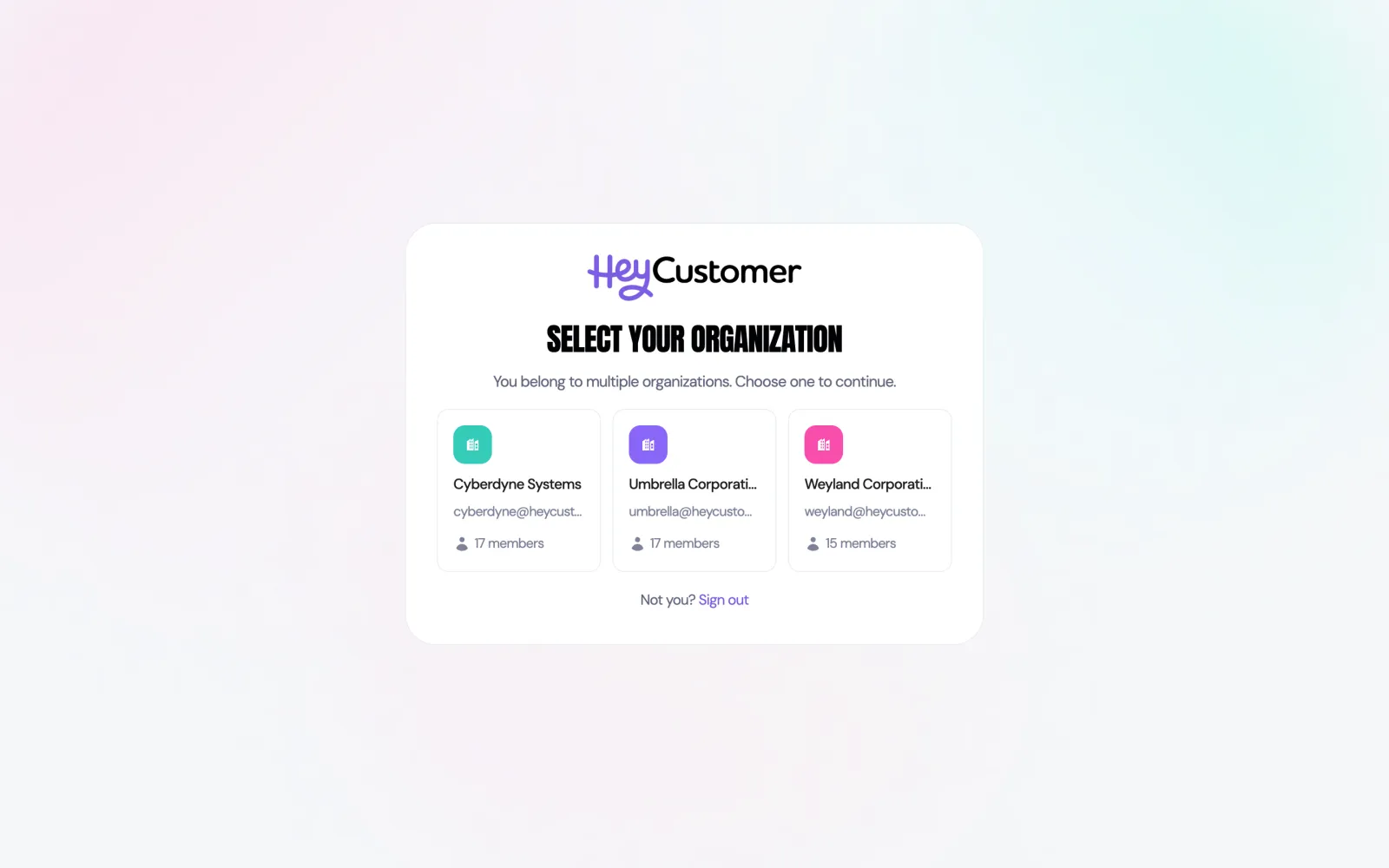
When you sign in, Hey Customer looks at how many organizations you're an active member of. If it's just one, you go straight there. If it's more than one, you choose which to open.
Each card shows the organization's name and how many people are in it. Select one to open it. You can come back and pick a different one whenever you like.
You join an organization by being invited to it. An administrator there sends an invitation to your email address, and because you already have a Hey Customer account, you join with the password you already use — there's no second account to create and no second password to remember.
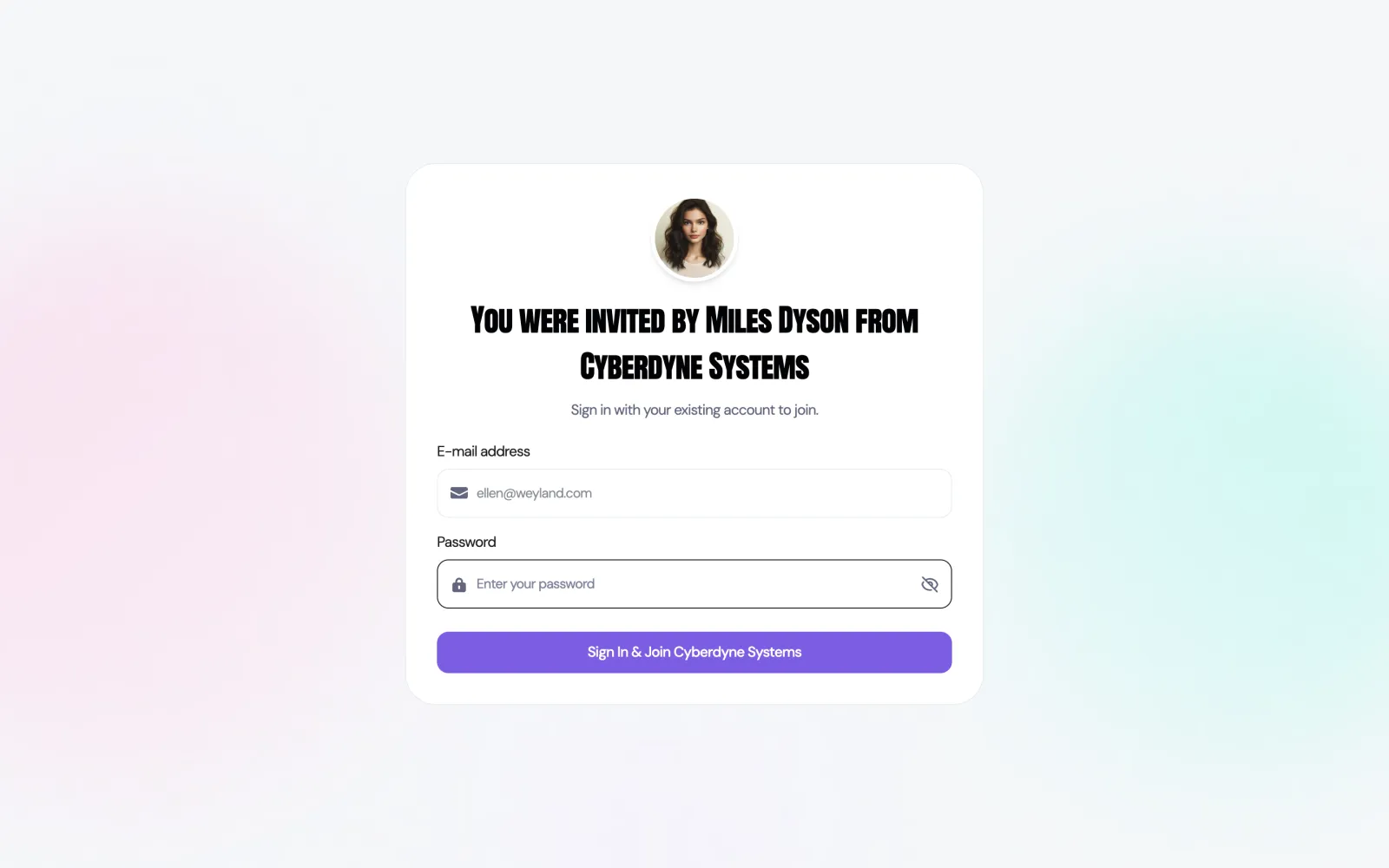
You land in the new organization straight away, and it joins your list the next time you sign in. If your invitation has expired, ask whoever invited you to send a fresh one.
Being invited is the only way into an additional organization. If you try to sign up for a brand new organization using an email address that already has an account, Hey Customer will tell you the address is taken — ask an administrator there to invite you instead.
Every organization has its own web address, so the quickest way to switch is to go straight to the one you want. Otherwise, sign out and sign back in, and pick the organization from your list.
If you open an organization you don't belong to, Hey Customer sends you back to your list and tells you that you don't have access to it.
Because you have a single account, the details that describe you are shared everywhere. Your name, email address and profile photo are the same in every organization, and updating them in one place updates them in all of them.
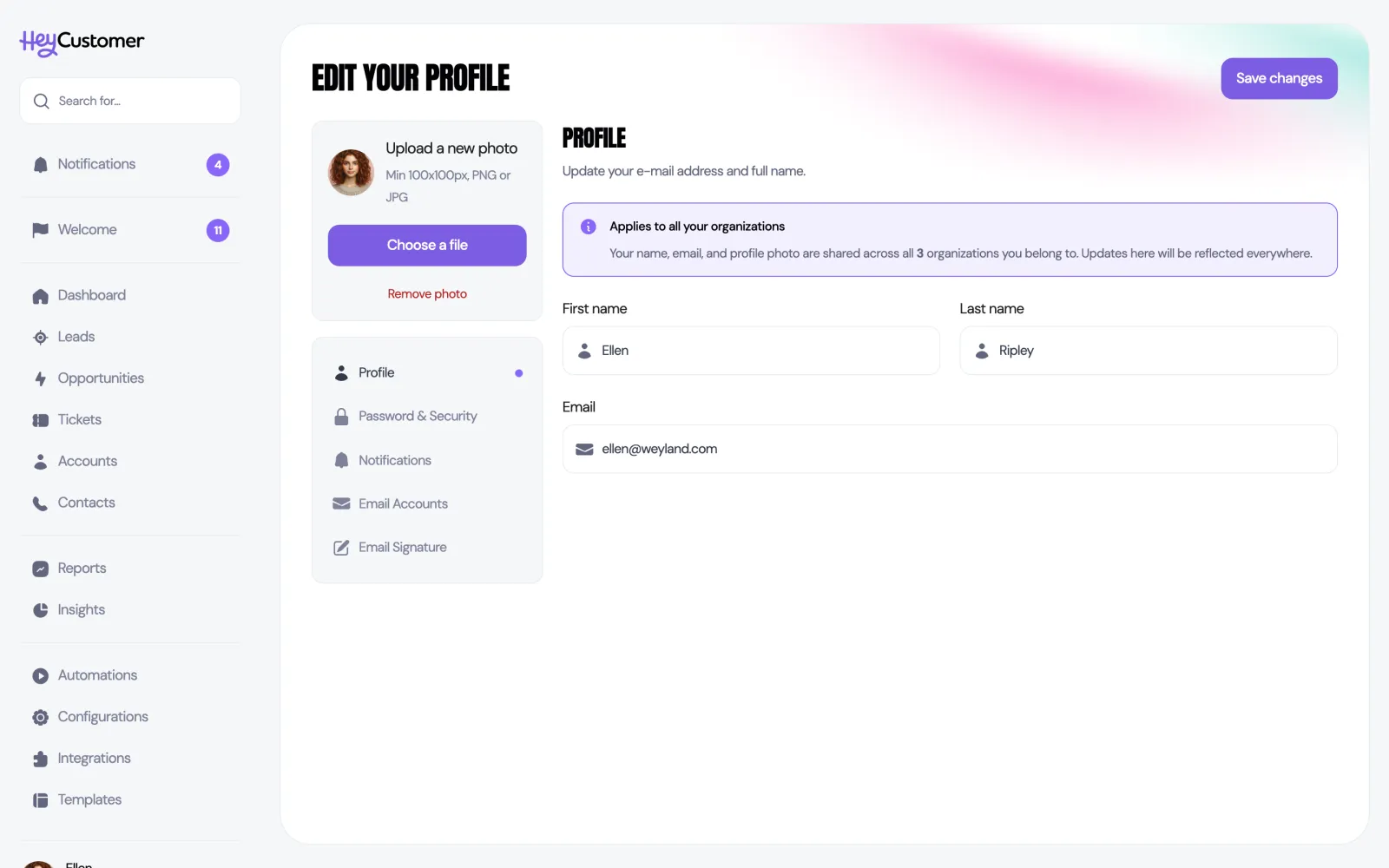
Almost everything else is set per organization. What you're allowed to do is one of them: you might be an administrator in your own company and have a much narrower set of permissions at a client, and neither affects the other. Your email signature is set separately in each organization, and so is the mailbox you connect for email and calendar sync — connecting Google or Microsoft in one organization doesn't connect it in the rest.
Every organization pays for itself. Each has its own subscription, its own payment method and its own invoices, and each one gets its own 30-day free trial starting the day it's created.
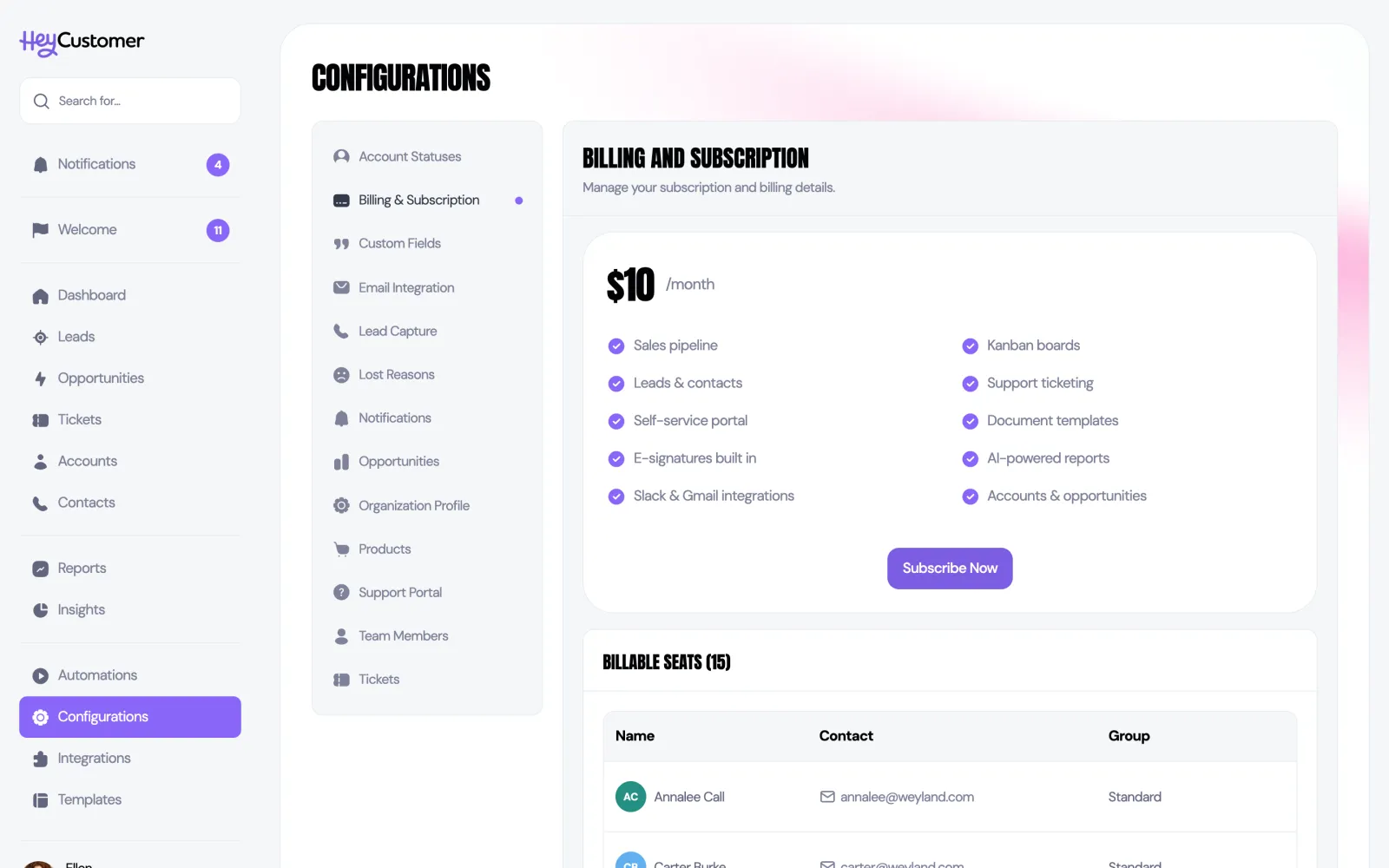
The plan costs $10 per user, per month. Everyone who is an active member of an organization counts as one billable seat there, so if you work across three organizations, each of the three pays for its own seat for you. Nobody sees the others' bills.
This separation holds when something goes wrong, too. If one organization's trial runs out or a payment fails, only that organization is locked until it's sorted out. The others carry on as normal.
Still need help? Email us at support@heycustomer.com